





know more about us
At DOTNET, we connect talent with opportunity. We offer a wide range of professional courses designed for students who are passionate about reaching new heights in their academic journey and striving to excel in their professional careers.
Our services span across various sectors, including Digital Marketing, Web Designing, Graphic Designing, E-Accounting, Software Development, App Development, and Computer gTraininTeacher Training — all with expert instruction and industry-recognized certifications.
Technology changes at the speed of light, which is why many organizations invest heavily in the education of Information Technology professionals. Enjoy working in a field where continuous learning is encouraged and valued. The IT industry is the right place for you to enhance and develop both technical and soft skills”
Performance
Products
This is the heading
Lorem ipsum dolor sit amet, consectetur adipiscing elit. Ut elit tellus, luctus nec ullamcorper mattis, pulvinar dapibus leo.
This is the heading
Lorem ipsum dolor sit amet, consectetur adipiscing elit. Ut elit tellus, luctus nec ullamcorper mattis, pulvinar dapibus leo.
This is the heading
Lorem ipsum dolor sit amet, consectetur adipiscing elit. Ut elit tellus, luctus nec ullamcorper mattis, pulvinar dapibus leo.
This is the heading
Lorem ipsum dolor sit amet, consectetur adipiscing elit. Ut elit tellus, luctus nec ullamcorper mattis, pulvinar dapibus leo.
Our Latest Services

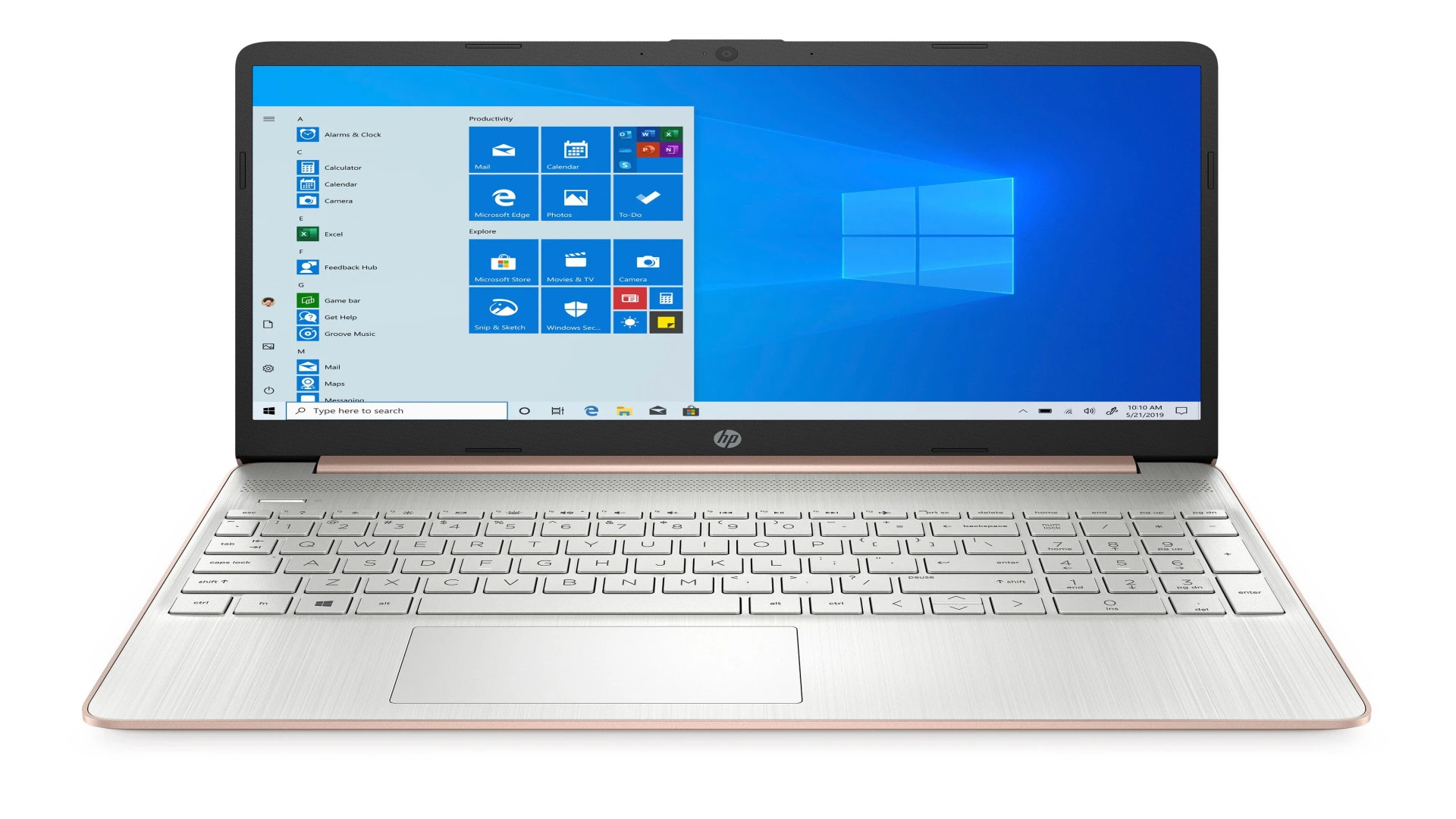
HP Laptop
16 GB Ram 512 GB SSD 13 Generation windows 11
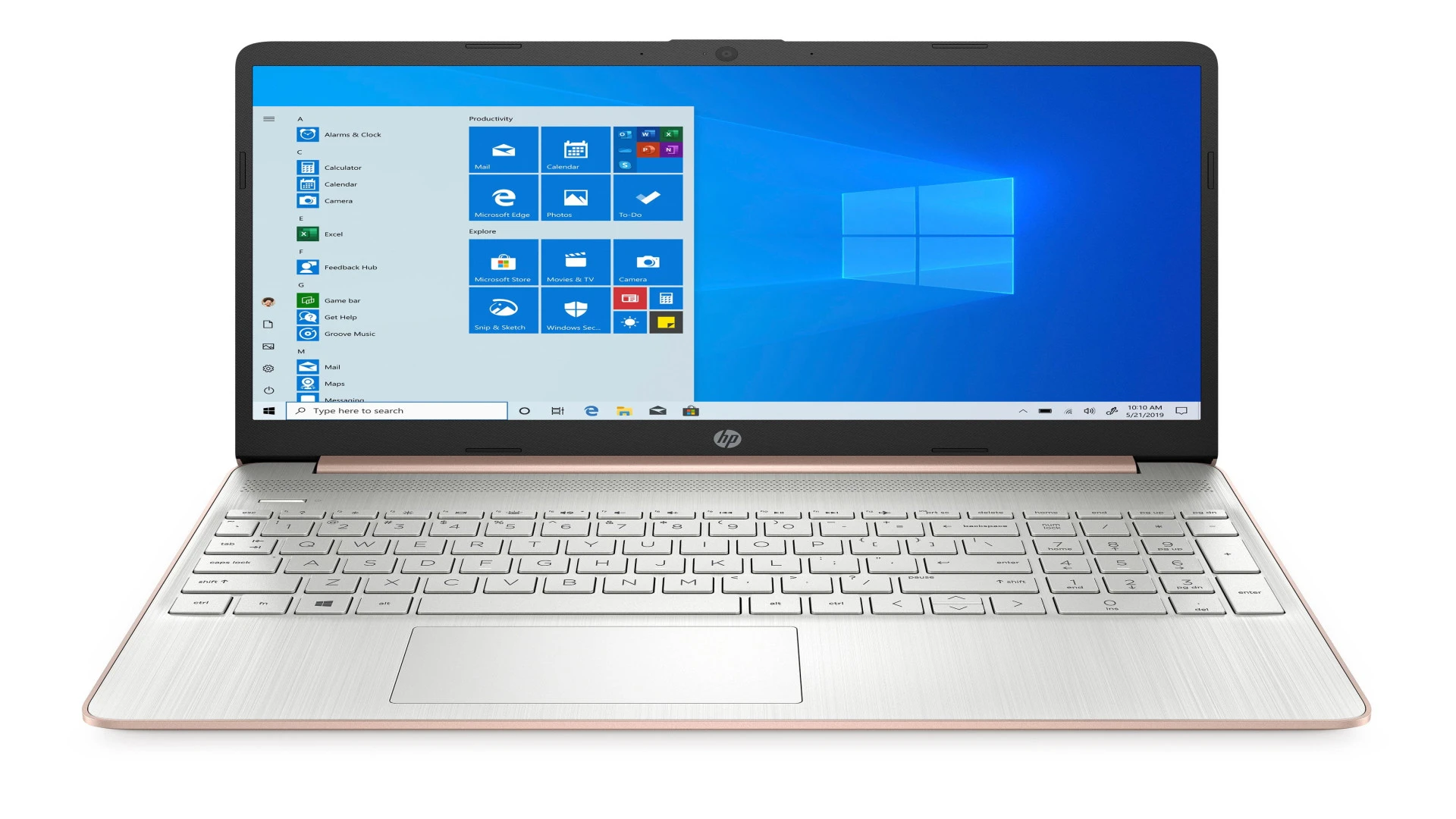
HP Laptop
16 GB Ram 512 GB SSD 13 Generation windows 11
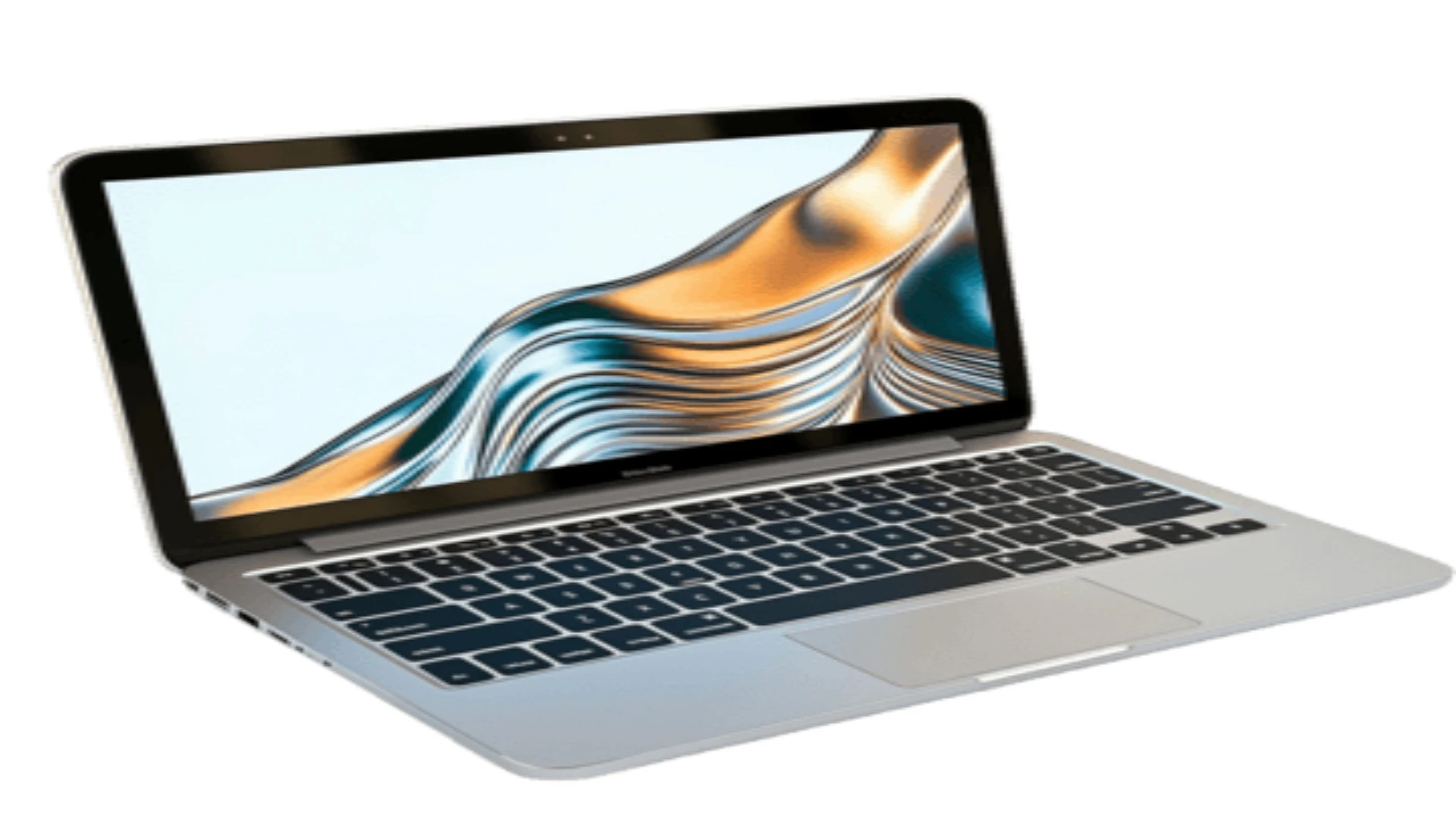
Dell Laptop
16 GB Ram 512 GB SSD 13 Generation windows 11
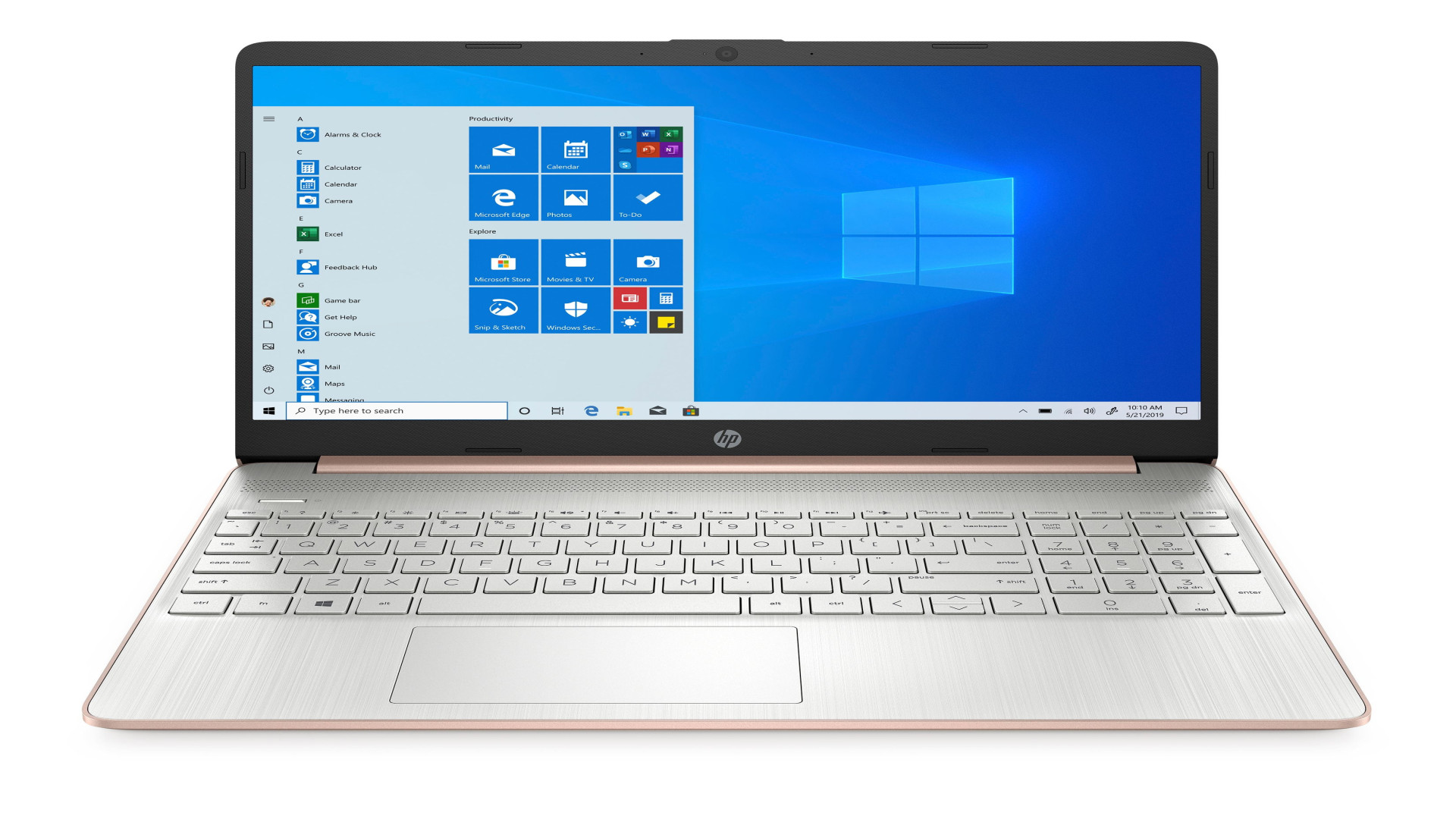
HP Laptop
16 GB Ram 512 GB SSD 13 Generation windows 11
sending text messages from a computer, changing text size/appearance, using voice-to-text, or even copying text from the screen, often managed through built-in Windows tools like Phone Link for messages or Accessibility settings for size, or third-party apps like MightyText for syncing, with options to adjust font scaling or use voice typing (Windows Key + H) for input.
sending text messages from a computer, changing text size/appearance, using voice-to-text, or even copying text ows Key + H) for infrom the screen, often managed through built-in Windows tools like Phone Link for messages or Accessibility settings for size, or third-party apps like MightyText for syncing, with options to adjust font scaling or use voice typing (Windput.


